Your paper has more to say.
Connect the things you can hold to the moments you want to keep.
Add a video, voice message, photo, document or link to a greeting card, photograph, journal page, study note — or almost anything else.


Keep the physical thing. Add everything it couldn’t hold before.
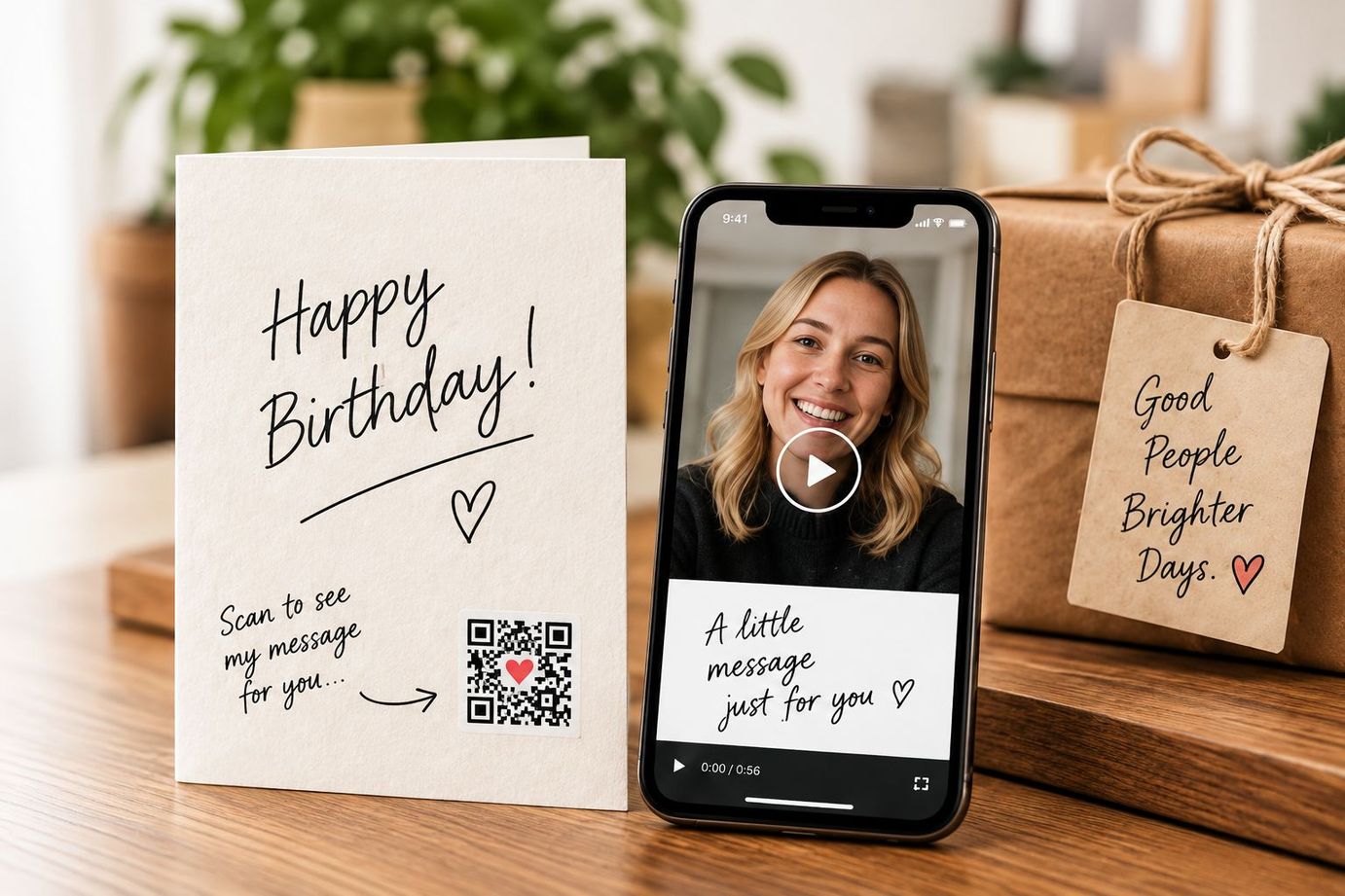
One idea. Endless possibilities.
The same simple idea. A more meaningful world.
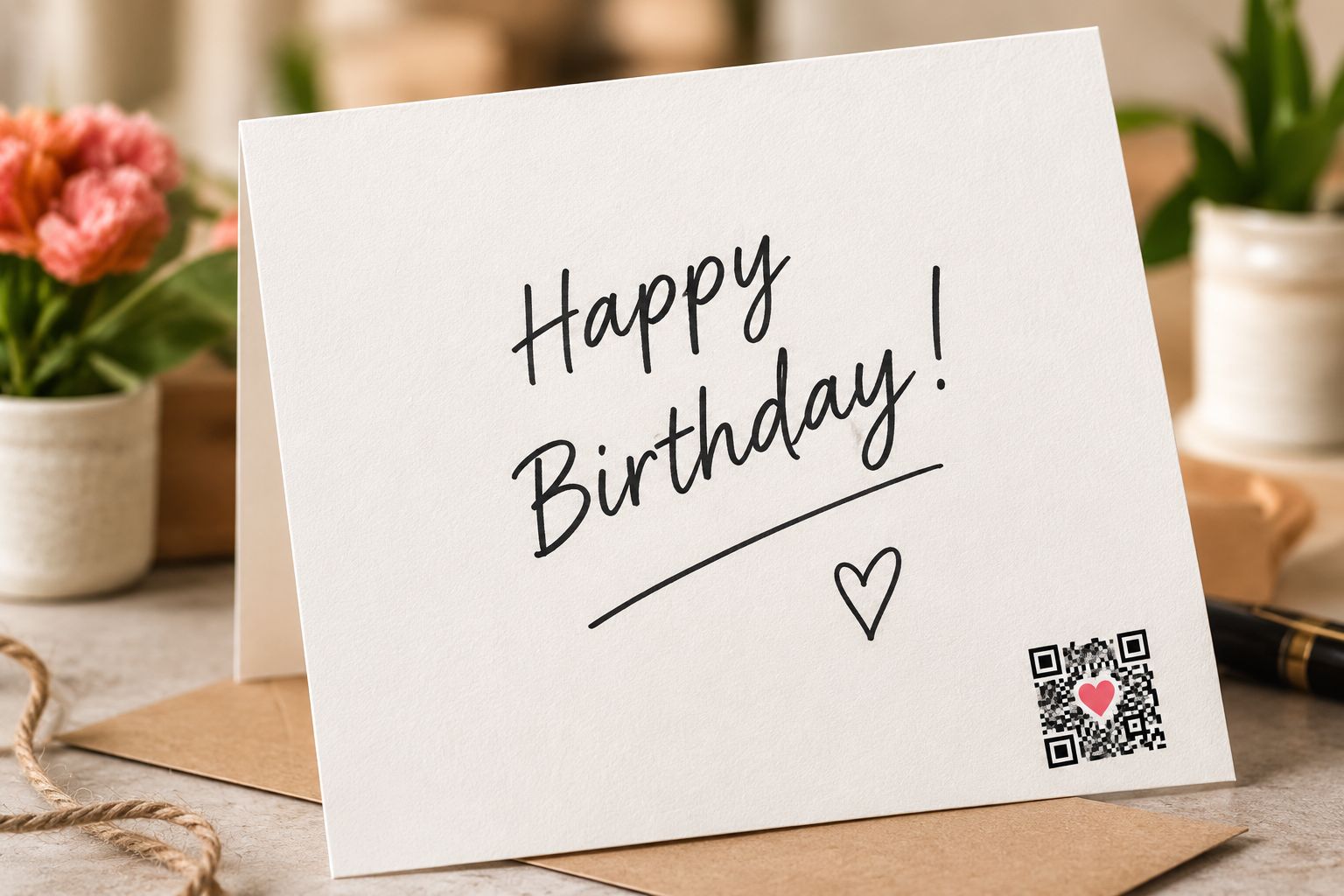

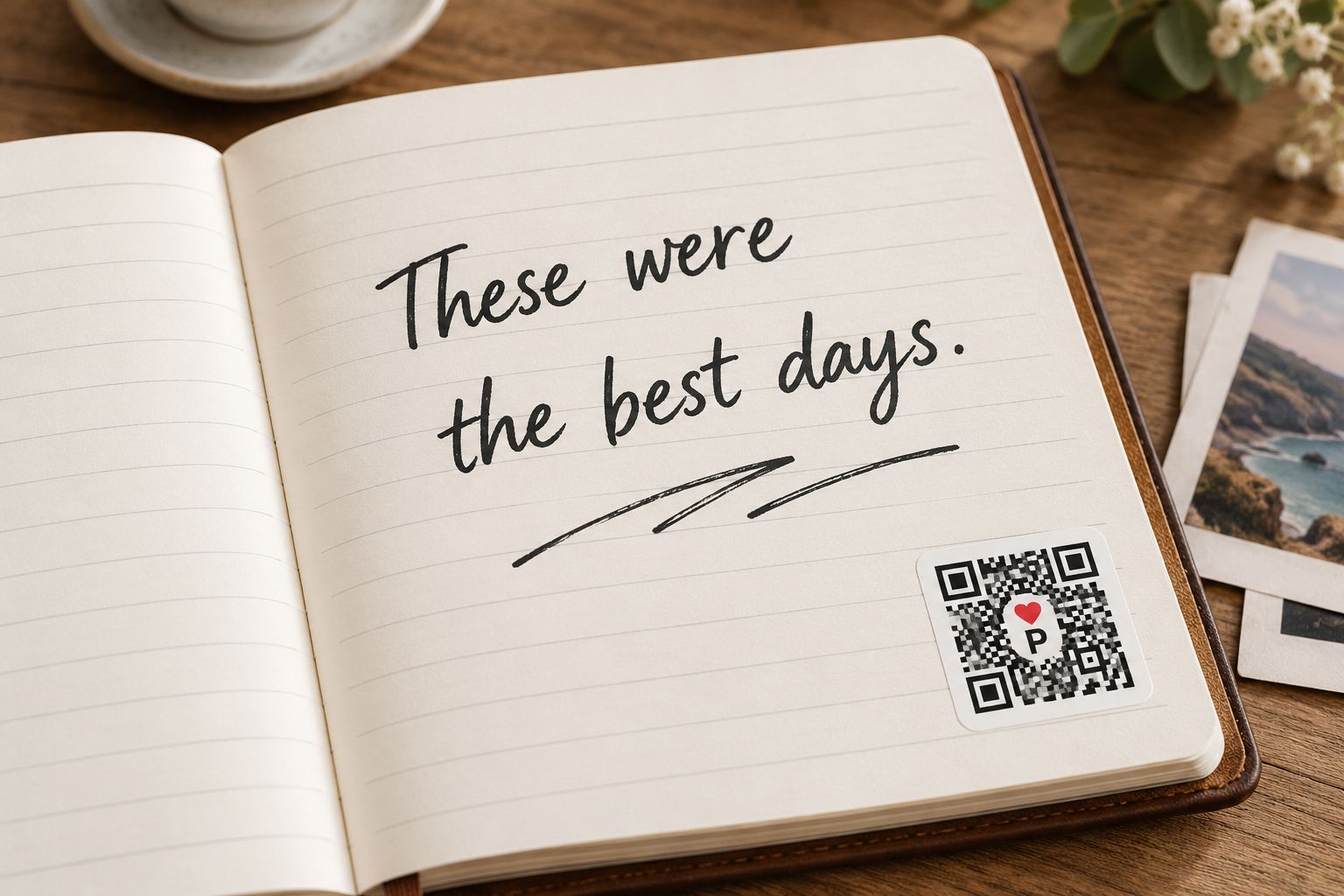
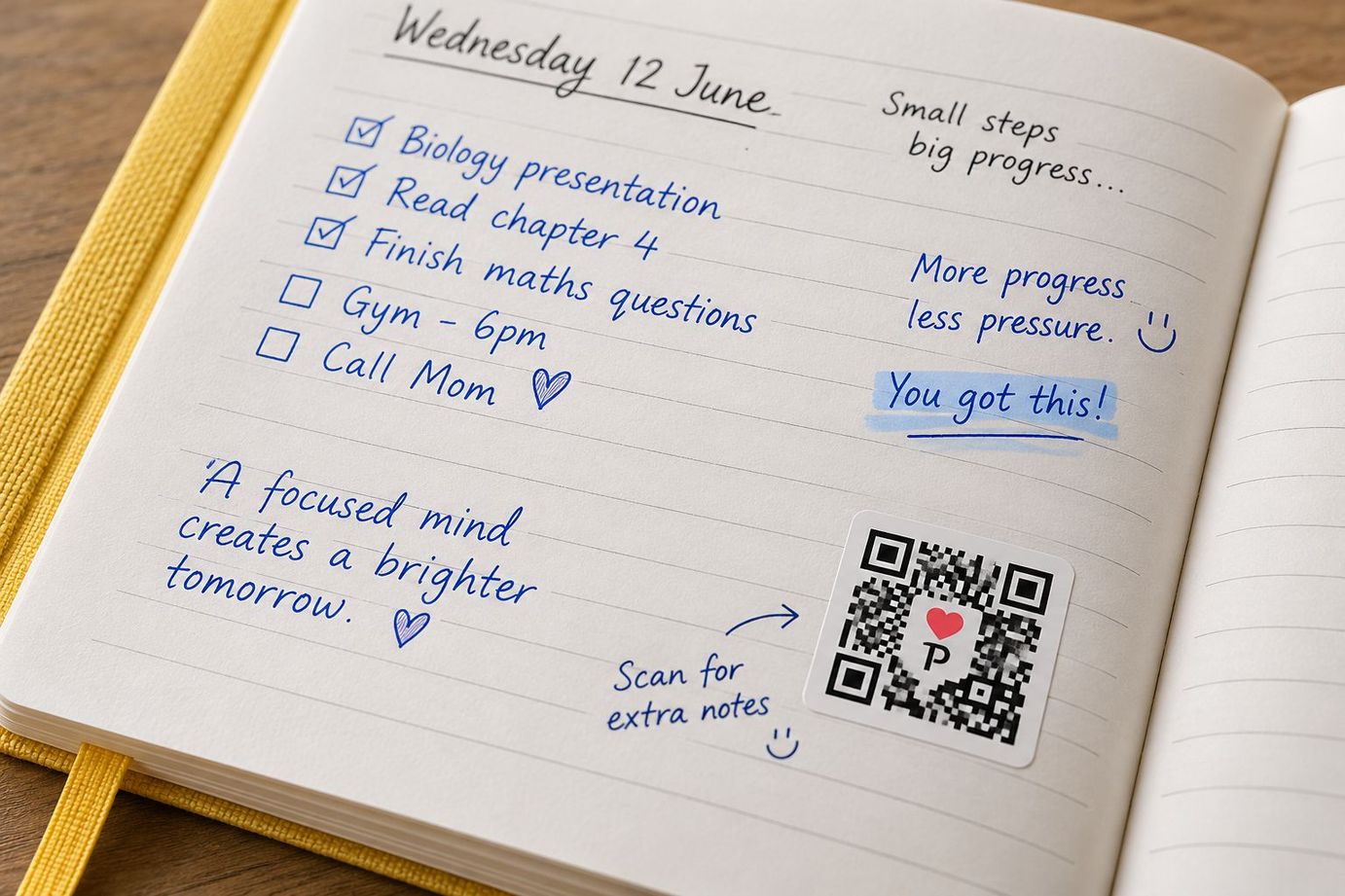
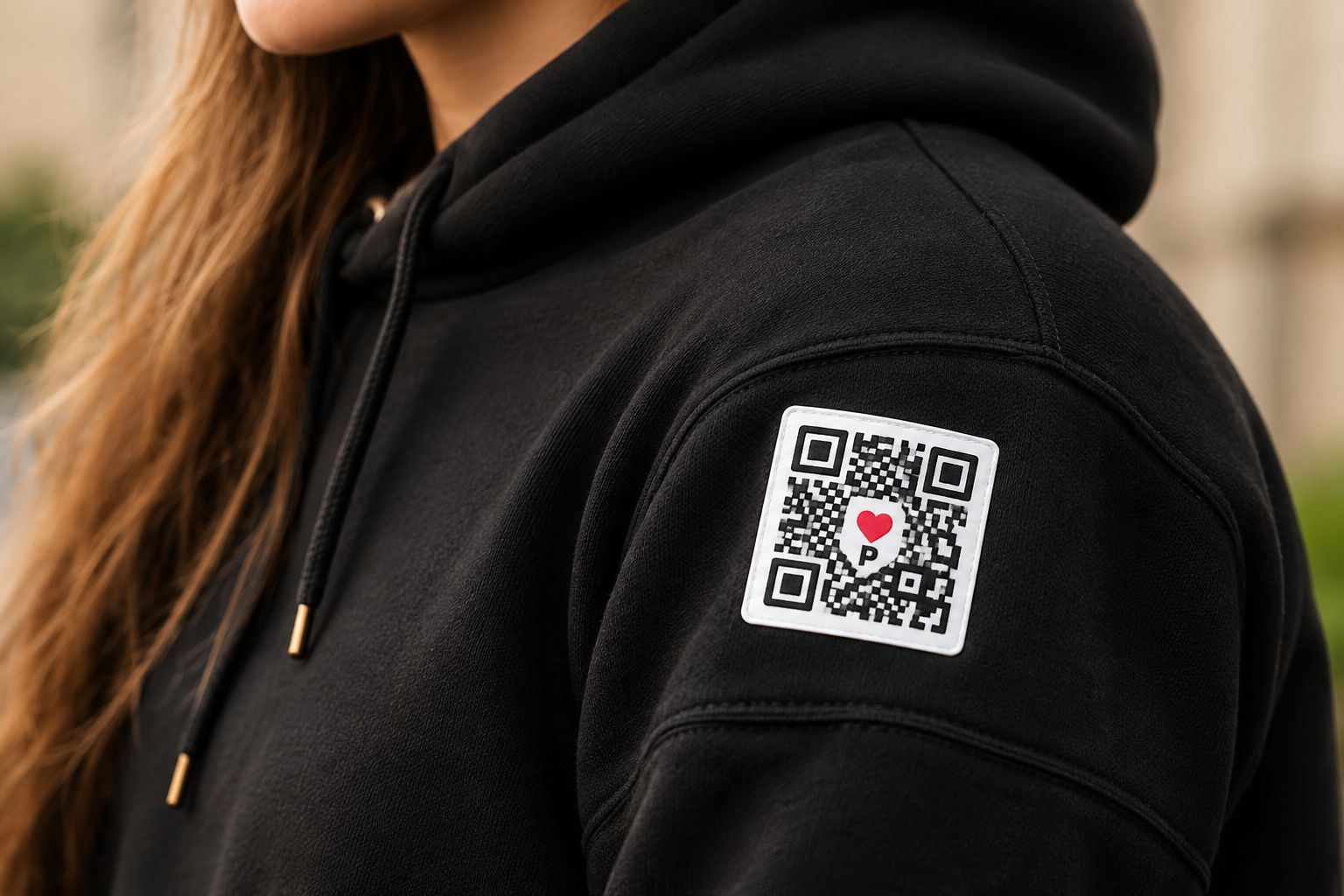
If you can share it, you can PaperLink it.
It’s as simple as 1, 2, 3, 4.
Simple.
Meaningful.
Real.
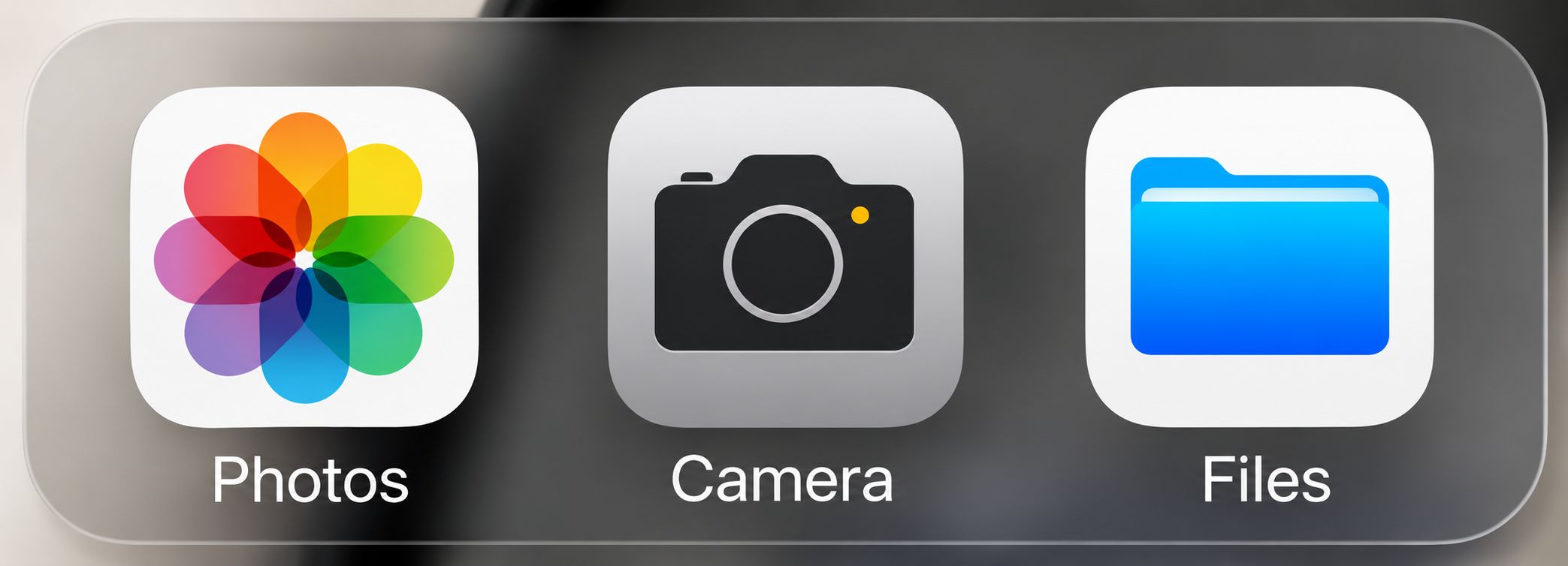
Start with what you want to keep
A video, photo, voice note, document, link or more.
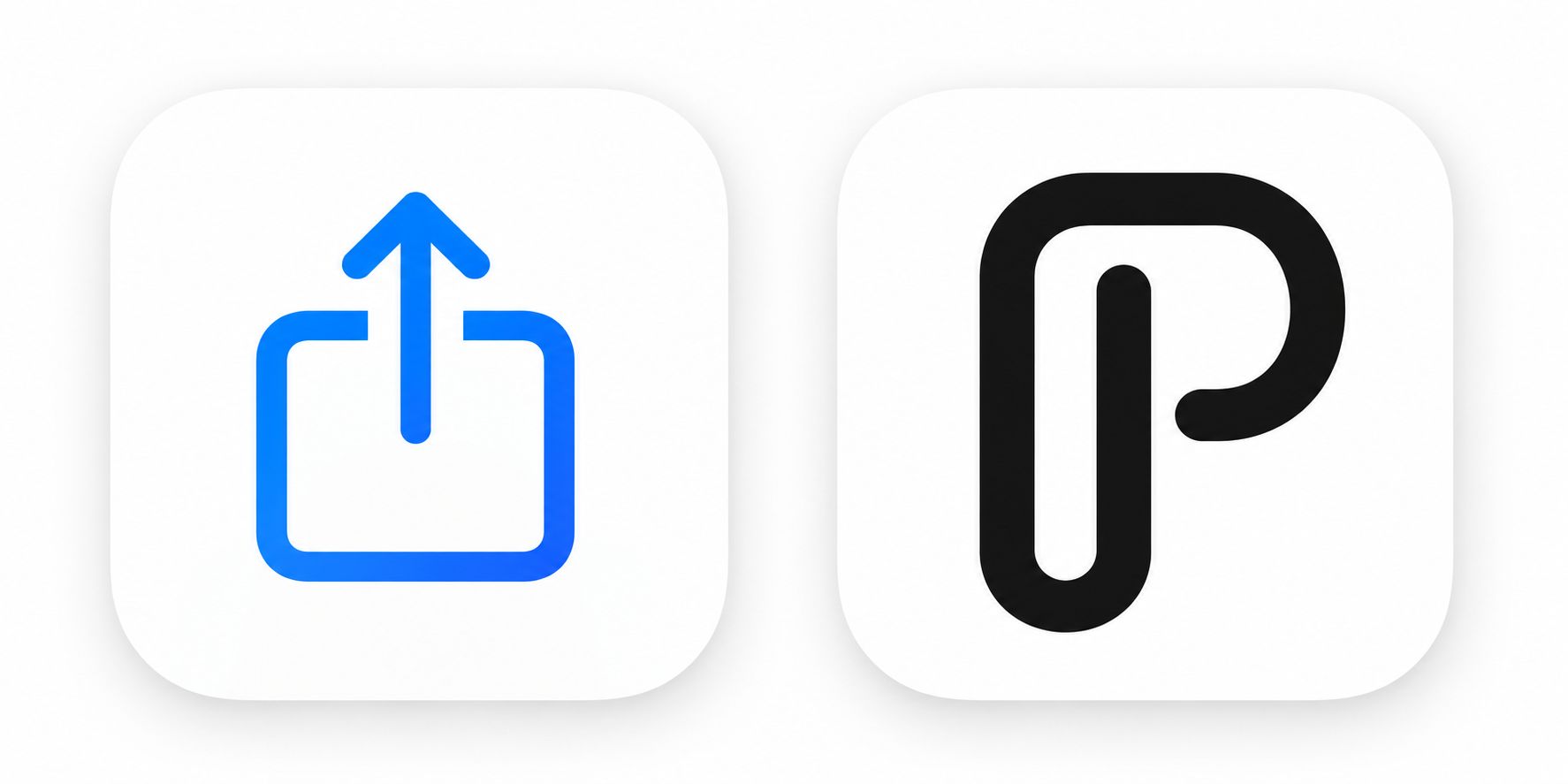
Share it to PaperLink
Start directly from the app where your content already lives.
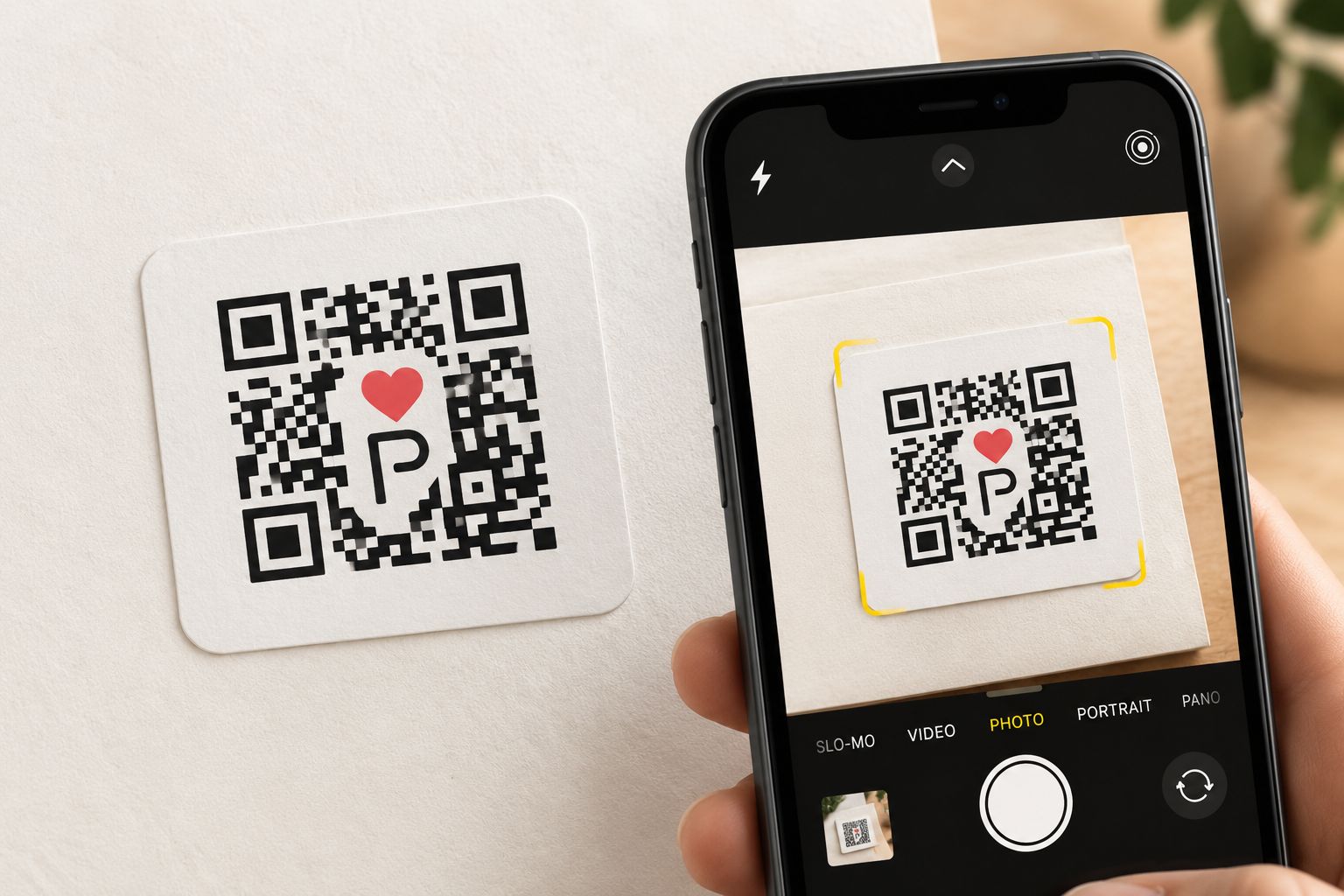
Connect your PaperLink
Scan an existing PaperLink or create the connection you need.

That’s it.
The physical object now opens your digital content when scanned.
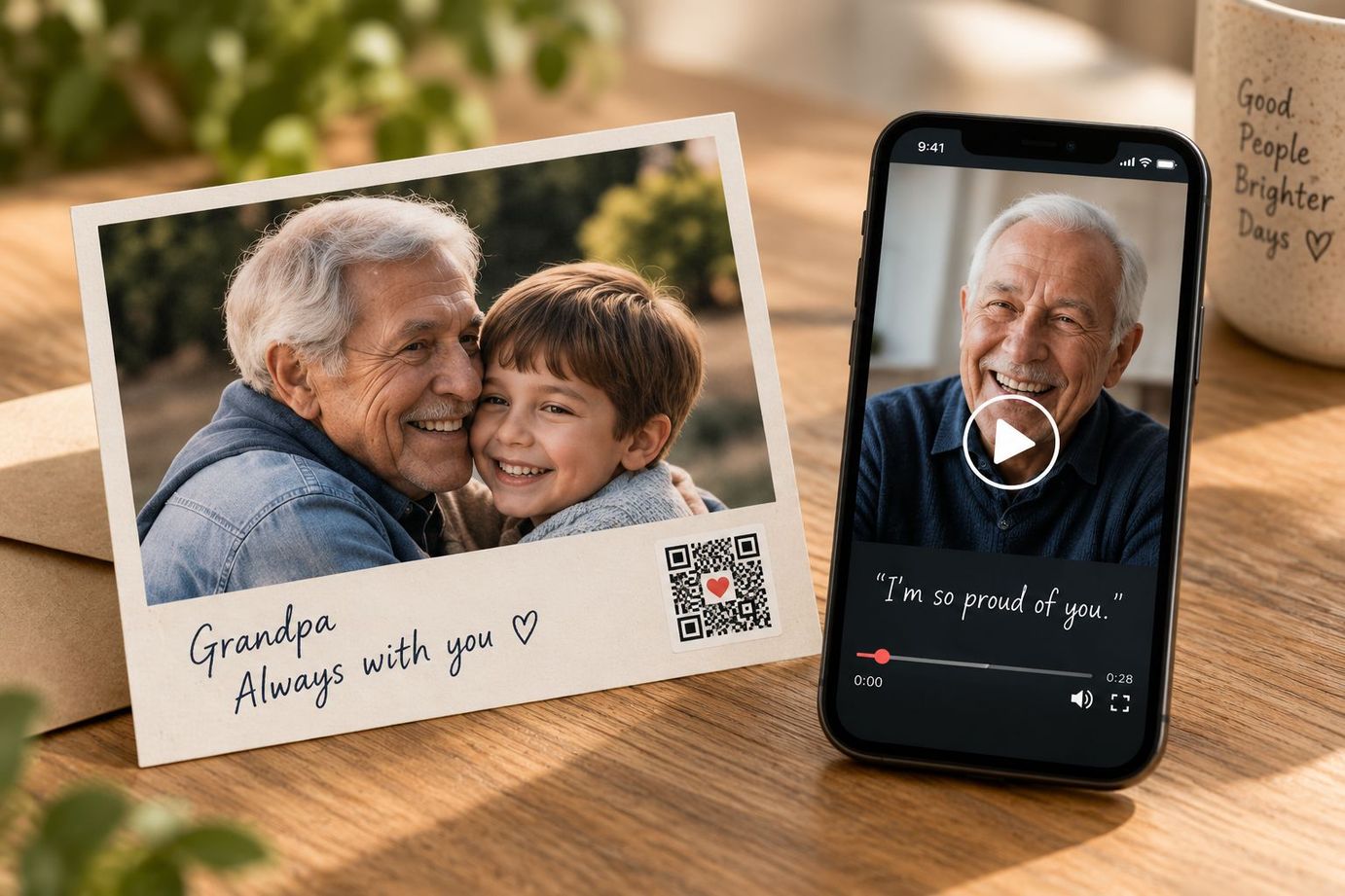
Some things deserve more than a photograph.
The photograph keeps what they looked like. PaperLink can keep what they sounded like.
Paper doesn’t need replacing. Sometimes it just needs more room.
Discover the storyMore moments. Forever. ♥
More than a greeting card.
Give someone your words — and a moment of you.
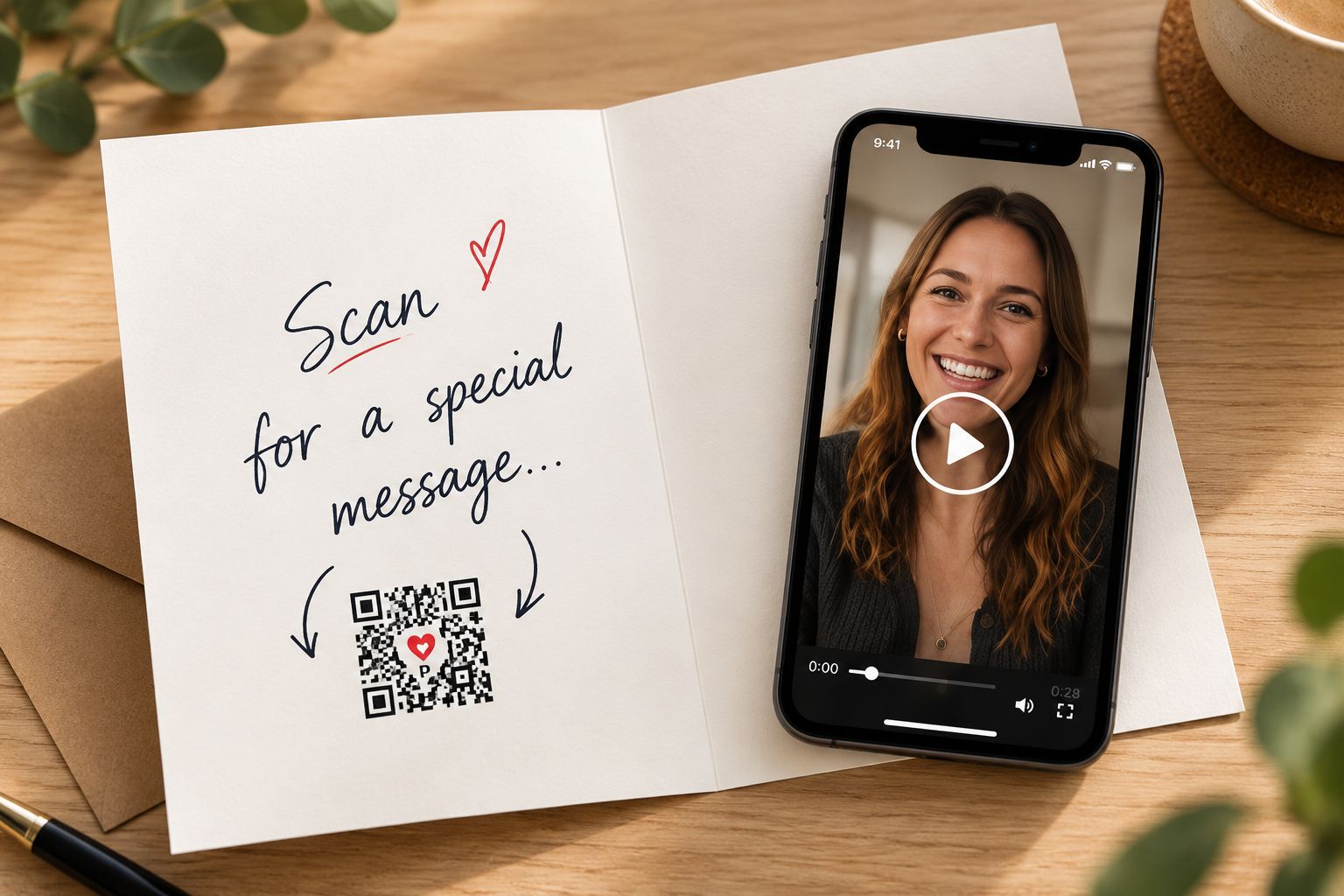
Put PaperLink wherever it matters.
Journals, photos, study notes, scrapbooks, gifts — or almost anything.
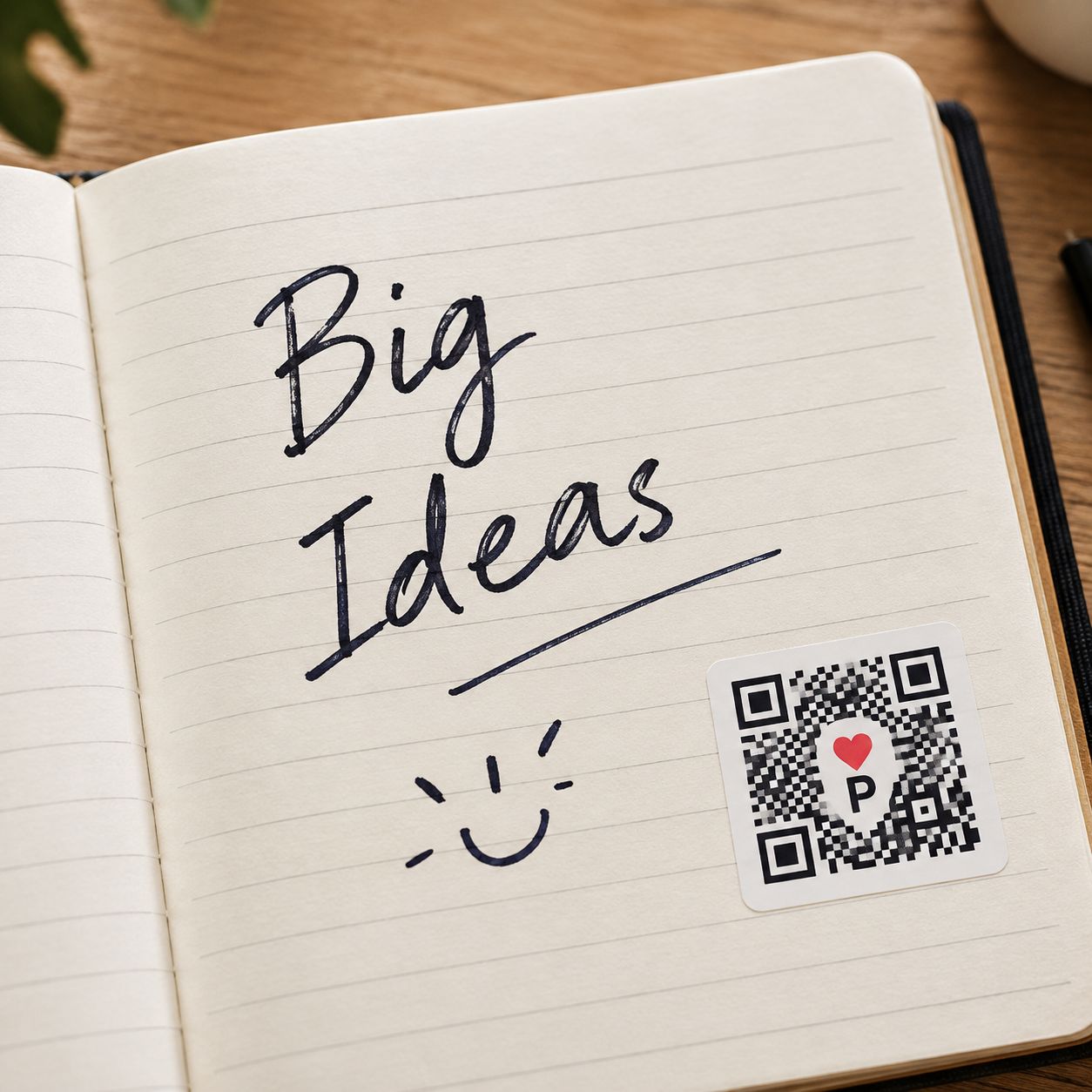

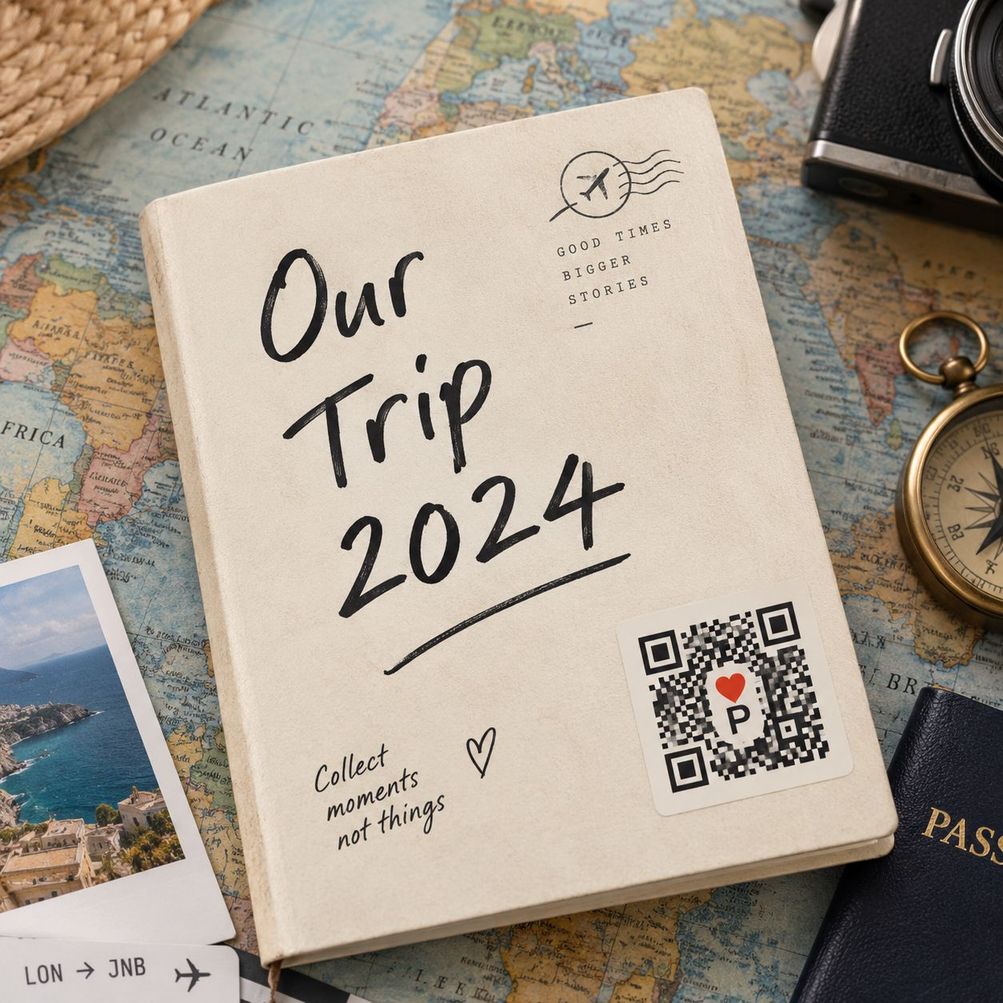
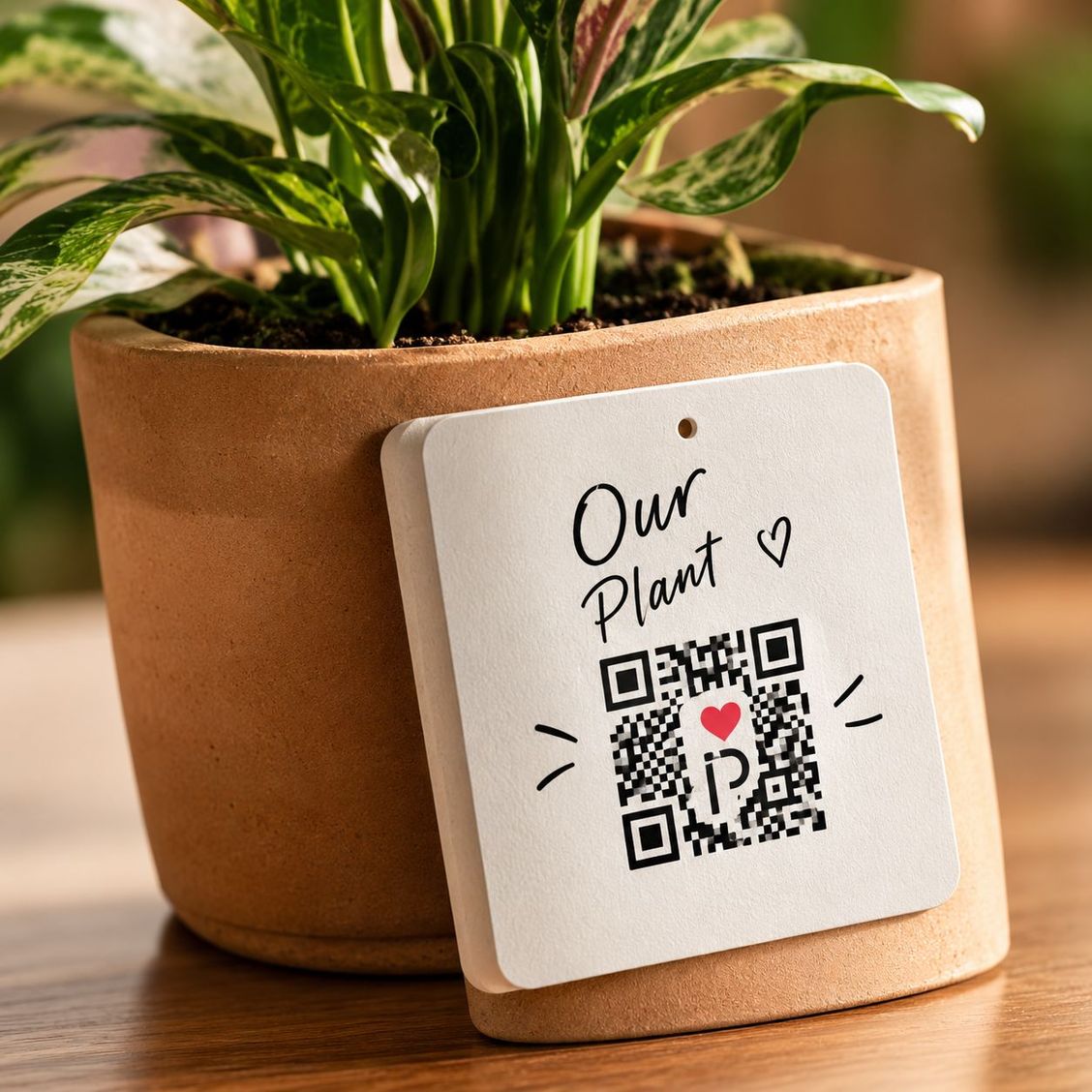
Your things stay physical. PaperLink gives them a digital layer.
PaperLink for products.
Turn physical products into experiences.
Greeting cards · Publishing · Clothing · Packaging · Education · Retail

